PhotoRelay
Wireless picks from your Ricoh GR — native on Mac, iPhone and iPad.
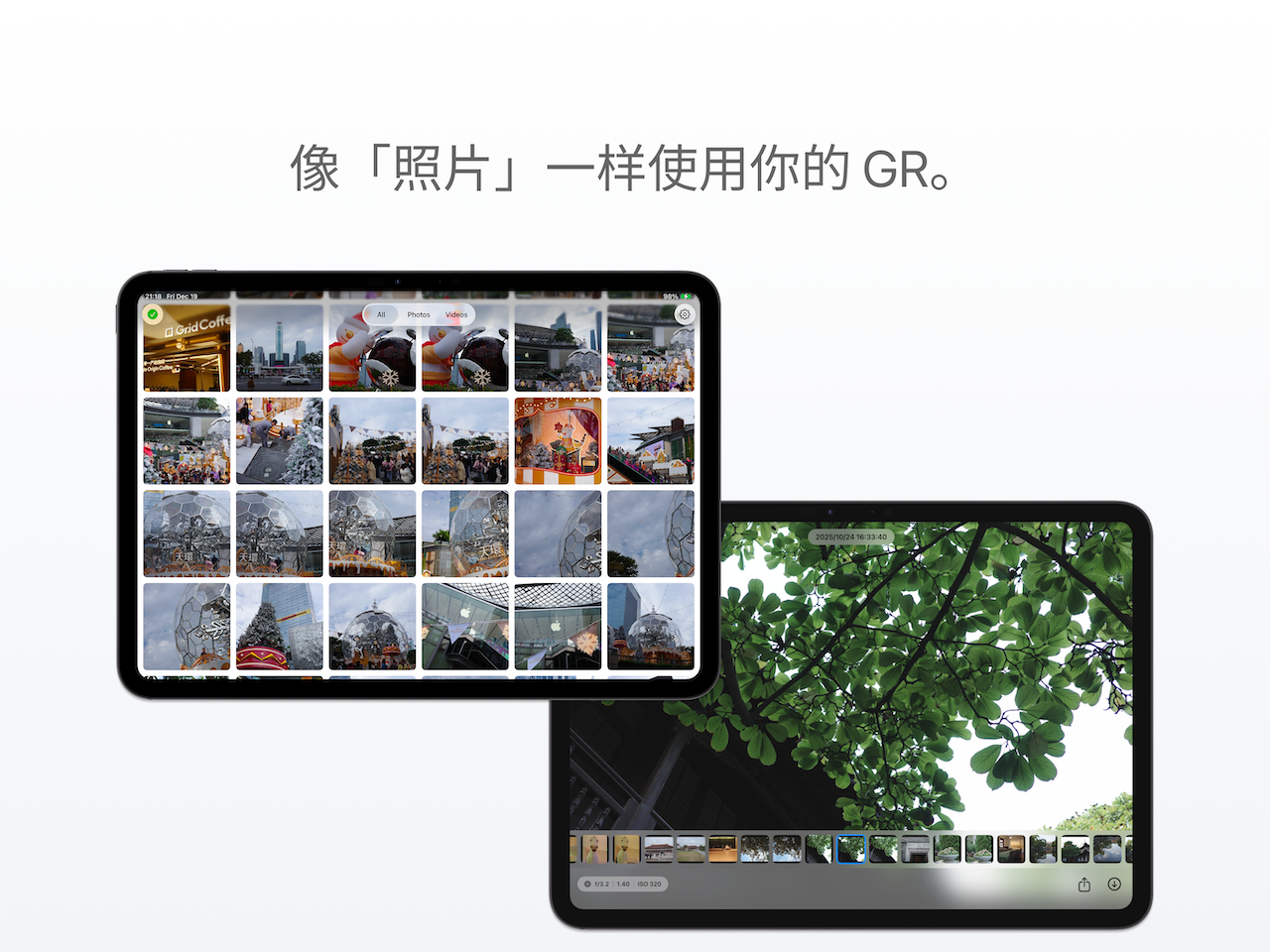
Browse the camera over its own Wi-Fi, star your keepers before transferring, and receive originals with EXIF intact — cached offline afterwards.
macOS / iOS / iPadOS · First 5 originals free · One-time $4.99 · No subscription
Three steps.
三步开始Why PhotoRelay.
为什么选它Native on macOS, not just iOS
Pull photos straight to your Mac — no iPhone detour.
Star before you transfer
Rate keepers while browsing the camera. Pick first, transfer less.
One-time $4.99, no subscription
First 5 originals free. No ads, no account, no renewals.
Originals with full EXIF
JPEG / DNG / MP4 exactly as shot — no recompression.
Offline cache
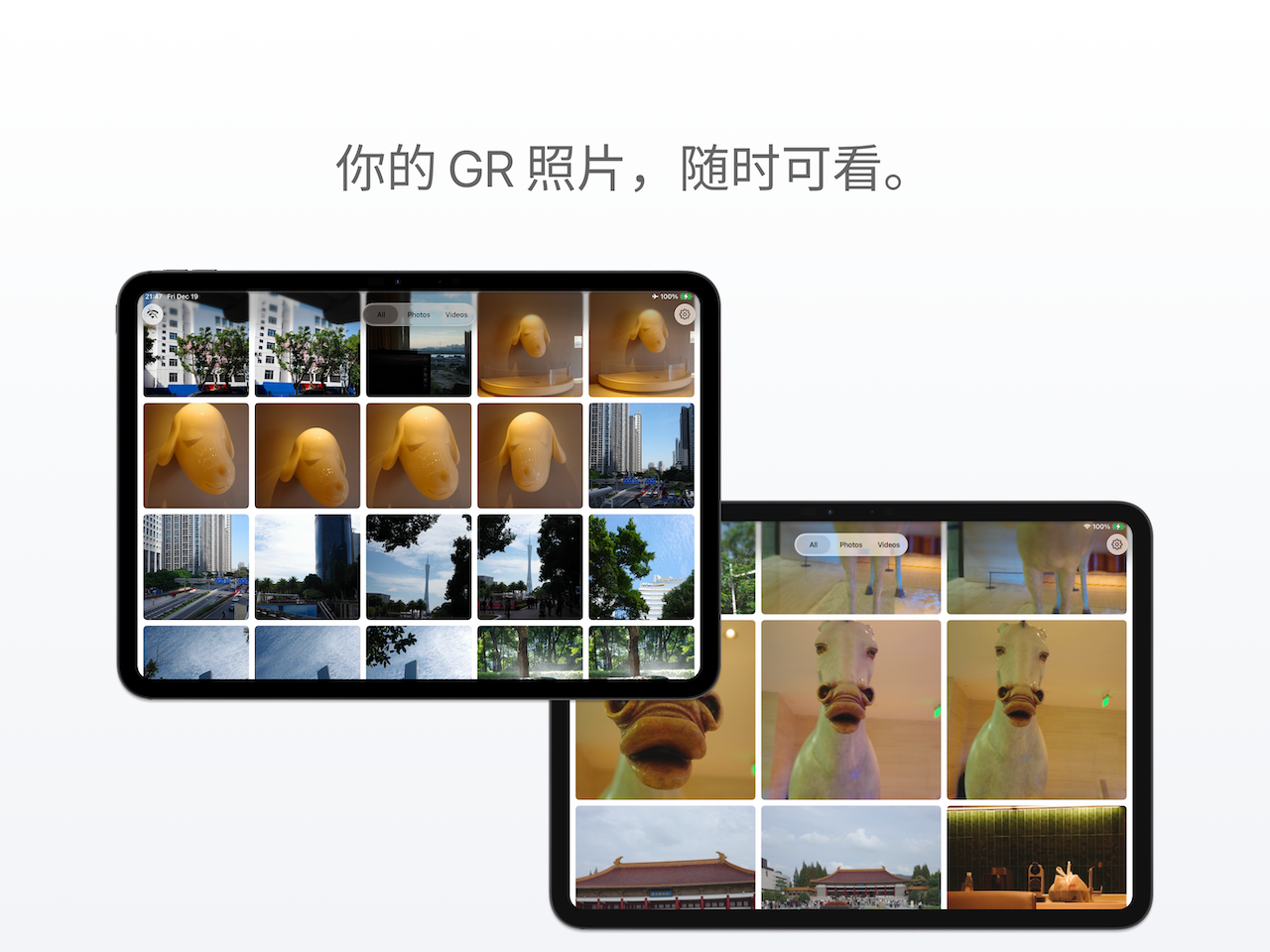
Transferred photos stay on device; browse without the camera.
Read-only by design
Never controls the camera or touches your SD card.
When it helps.
使用场景Straight to Mac
Join the GR's Wi-Fi, drag photos into Finder.
iPhone-only days
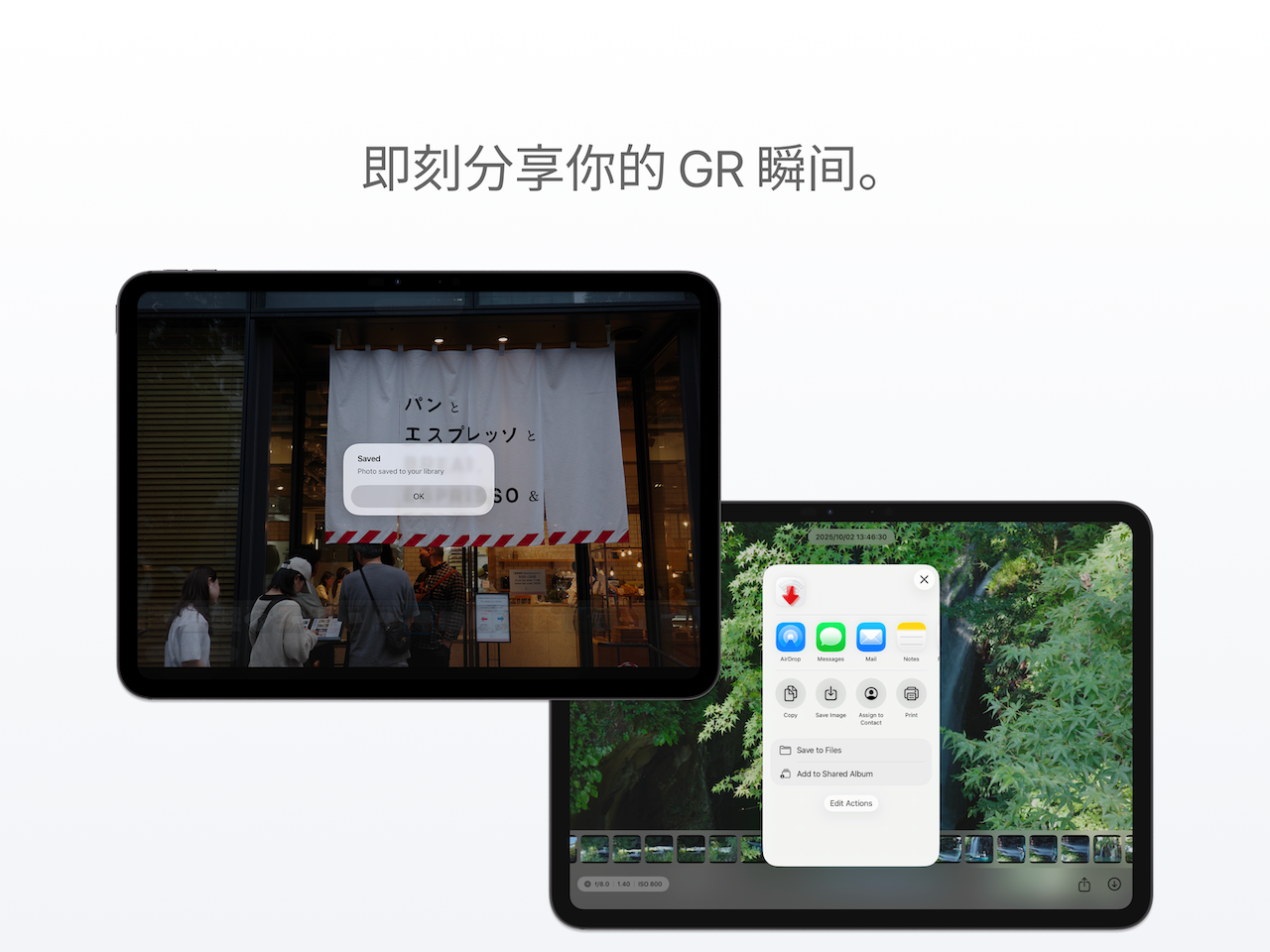
Pull a few keepers between shots, post right away.
Pick on iPad
Preview big, star the keepers, export later on the Mac.
RAW stays RAW
DNG lands intact, ready for Lightroom.
Questions.
常见问题Is PhotoRelay an official Ricoh app?
No. PhotoRelay is an independent third-party app. It is not affiliated with, endorsed by, or sponsored by Ricoh Imaging Company. It works through the local Wi-Fi HTTP interface that the Ricoh GR camera exposes and only reads photos; it does not control the camera hardware.
Which Ricoh GR models does PhotoRelay support?
PhotoRelay supports Ricoh GR III, GR IIIx, and later GR models with Wi-Fi, including the HDF variants. GR II is not covered because of firmware interface differences.
How is PhotoRelay different from Ricoh Image Sync or GR World?
Image Sync and GR World are official Ricoh apps focused on iOS connection, transfer, and remote control. PhotoRelay is an independent third-party app focused on a native Apple-platform browsing experience: macOS, iOS, and iPadOS coverage, star-before-transfer selection, one-time pricing, no ads, no subscription. See the PhotoRelay vs other GR transfer apps comparison page for a side-by-side view.
How is PhotoRelay different from GR Linker, GR Lab, or GR Remote Viewer?
Those are also strong third-party options with different priorities. PhotoRelay’s focus is native macOS support, star-before-transfer selection, a USD 4.99 one-time unlock, and automatic offline caching after a photo has been transferred. The comparison page walks through every dimension.
How do I use PhotoRelay on a Mac?
Connect the Mac’s Wi-Fi to the network broadcast by the GR camera (the 192.168.0.1 network). Open PhotoRelay; it discovers the camera automatically and lists the photos. Drag photos straight into Finder or any other app.
Is there a subscription? How much does PhotoRelay cost?
No subscription. The first 5 original photo views or saves are free. After that, a single USD 4.99 in-app purchase unlocks everything permanently.
Are my photos uploaded to the cloud?
No. PhotoRelay only communicates between your Apple device and the camera over the camera’s local Wi-Fi network. It does not connect to any server, does not upload your photos, and does not require an account.
How fast is the transfer?
It depends on Wi-Fi signal quality and file size. A single JPEG is usually 2–5 seconds; a DNG raw is roughly 5–10 seconds. Batch transfer and background transfer are supported.
Does PhotoRelay change photo quality?
No. PhotoRelay transfers the original files without recompressing. EXIF metadata such as capture time, camera body, and lens settings is preserved exactly.
Where can I download PhotoRelay outside China?
PhotoRelay is available on every regional App Store. Search for PhotoRelay (also listed as PhotoPorter); the app ID is 6751777519.
Do I need to grant any special permission?
You only need to connect your Apple device’s Wi-Fi to the camera’s broadcast network (per Ricoh’s instructions). On iOS, the first connection prompts a Local Network permission; allow it and PhotoRelay will discover the camera.
Try it — you might like this kind of simple.
Download on the App StorePhotoRelay is an independent third-party app, not affiliated with or endorsed by Ricoh. “Ricoh”, “GR”, “GR III” and “GR IIIx” are trademarks of Ricoh Imaging Company, Ltd. and are used here only to describe camera compatibility.